Get Terminal Transaction Status
Get Terminal Transaction Status
Use the Get Terminal Transaction Status method to check on the status of a POS terminal payment.
Sandbox GETURL: https://restsandbox.everyware.com/api/terminals/payment/{{transactionId}}/status
Prod GET URL: https://rest.everyware.com/api/terminals/payment/{{transactionId}}/status
Get Terminal Transaction Status Parameters
| Parameter | Definition |
|---|---|
| Id | TransactionId number to use in the URL to pull data for the specific POS terminal transaction. |
| Status | Ex: 2 |
| ExternalId | Ex: "11ed2ec399d60b7694d9bc89" |
| ErrorMessage | Ex: " |
| IndividualID | Ex: " |
Sample Terminal Transaction Status Code
{
    "Id": 222,
    "ExternalId": "11ed2ec399d60b7694d9bc89",
    "Status": 2,
    "ErrorMessage": "",
    "IndividualID": 8367896
}
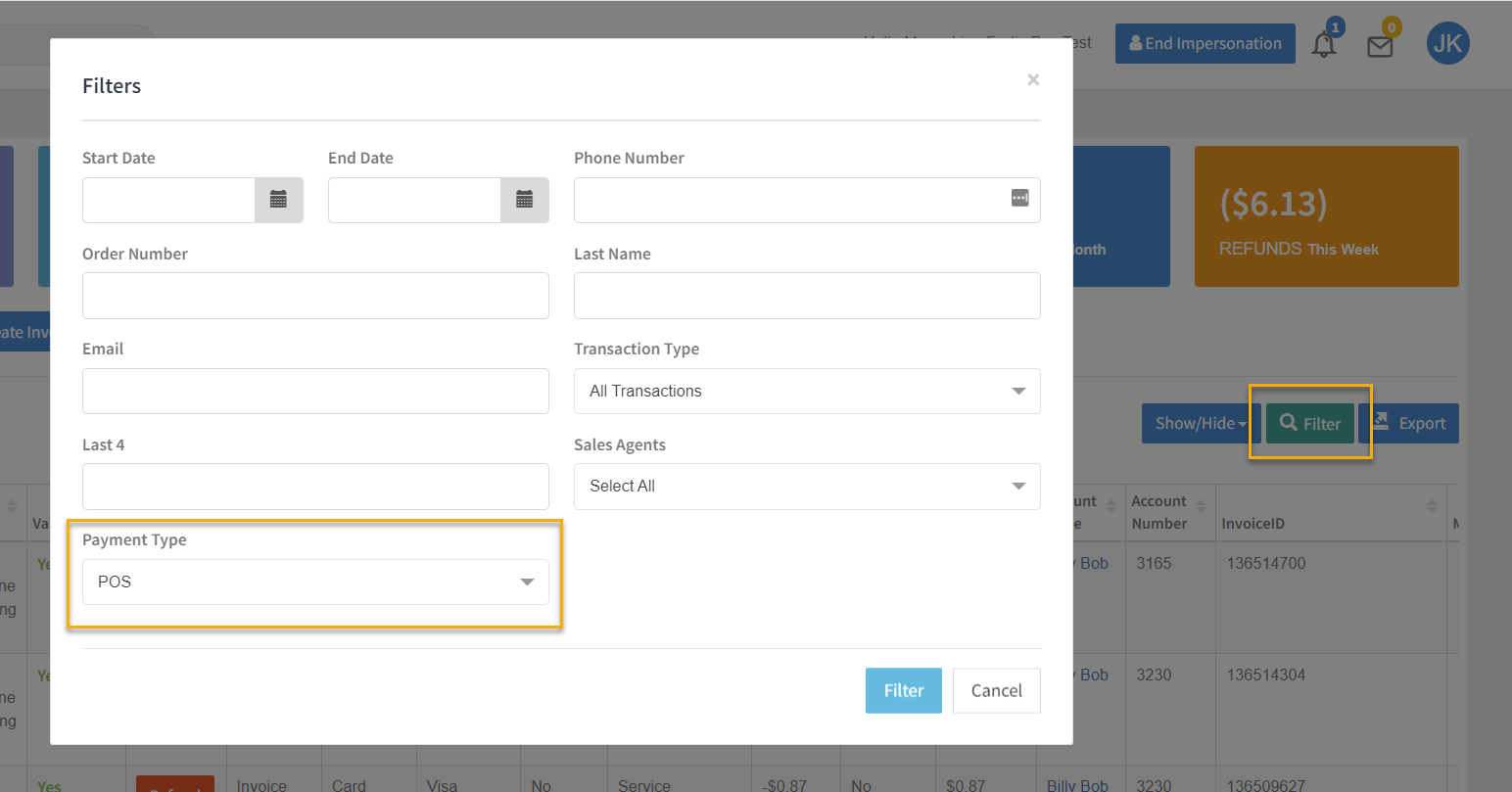
Get Terminal Transaction Portal UI
All Swipe Terminal Integration Guides
🚧 Notice
If your sales site is not enabled for CP Terminal functionality you will encounter an error response, "Card Present Terminal functionality has not be enabled for this sales site" Contact support@everyware.com if you encounter this error.