Update Terminal
Access Endpoint URL: https://rest.everyware.com/api/terminals [PUT]
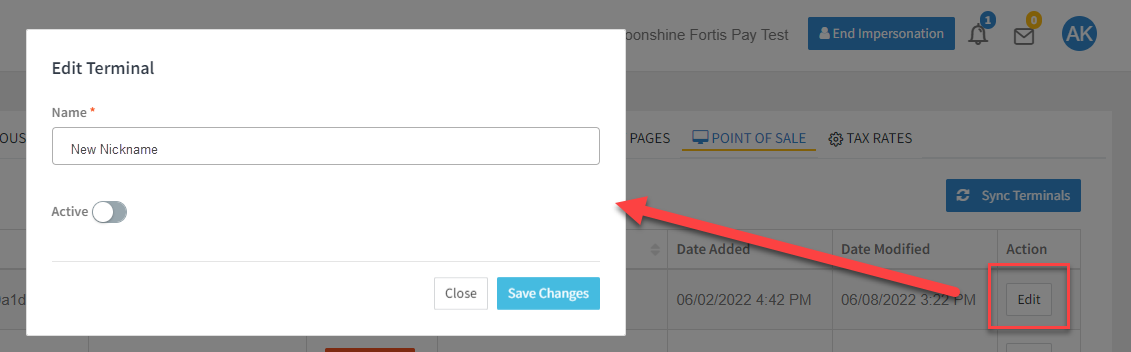
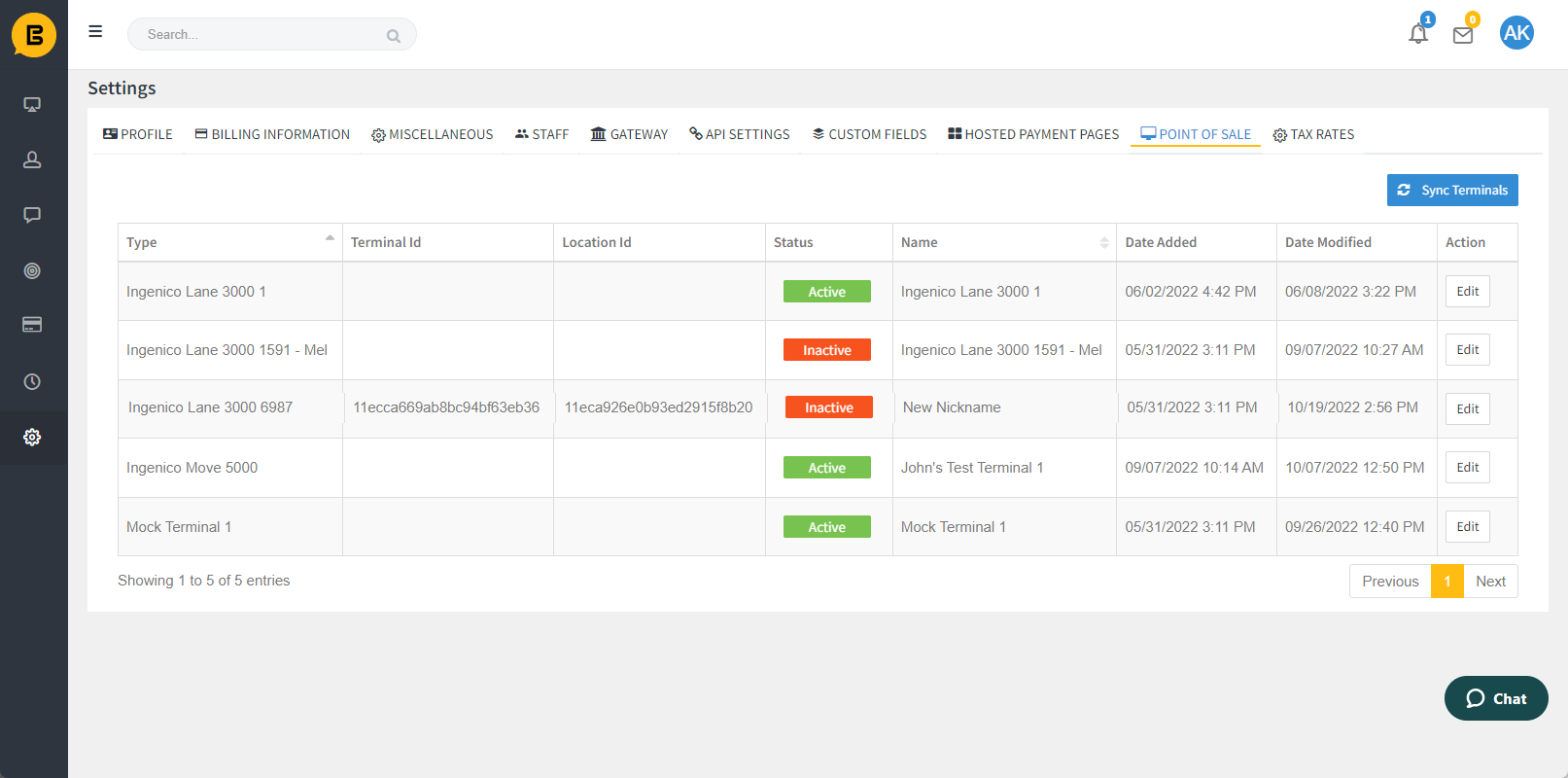
You can use the UpdateTerminalAsync method to edit the name and/or status of a terminal. In Portal, this is done via the "Edit Terminal" action in the POS Settings Table.
🚧 Notice
If your sales site is not enabled for CP Terminal functionality you will encounter an error response, "Card Present Terminal functionality has not be enabled for this sales site" Contact support@everyware.com if you encounter this error.
Inbound Parameters
Parameters should be passed in a single JSON-body object.
| Parameter | Description | Optional/Required |
|---|---|---|
| EverywareTerminalId | The unique identifier for the terminal in Everyware. | Required |
| TerminalName |
The new name that will replace the old name for the device in the Everyware system.
Update Terminal JSON examplesUpdate Terminal Portal UI
Point of Sale Settings Edit Terminal Pop Up
Point of Sales Settings Table Result after Updated Terminal (Name and Status) |